

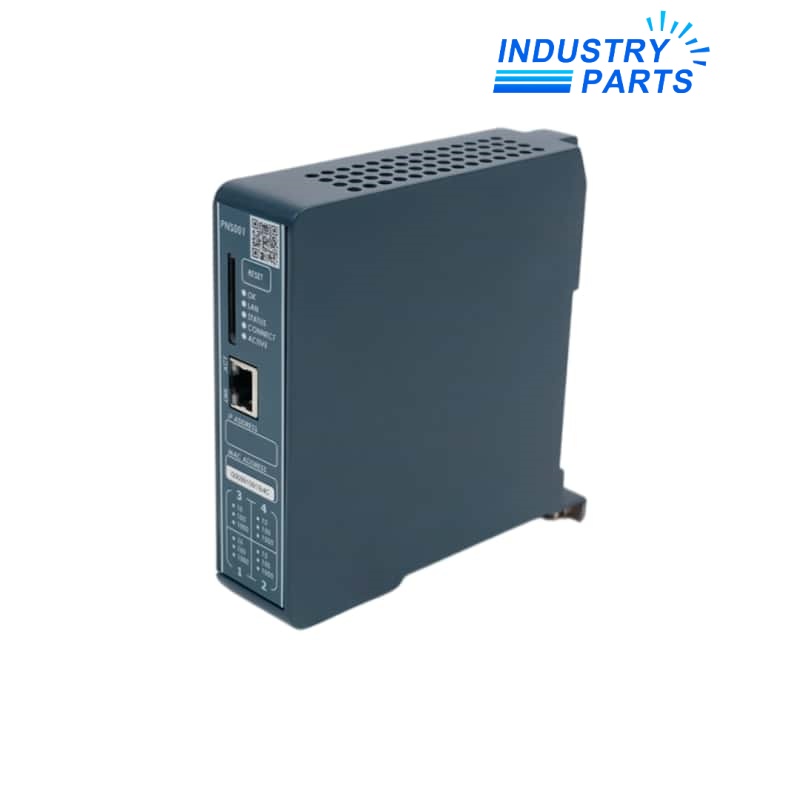
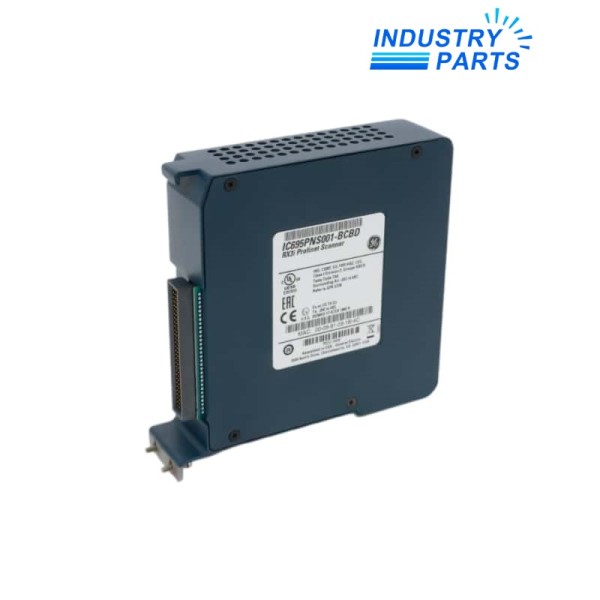
Emerson IC695PNS001-BBBB PACSystems RX3i PROFINET Scanner Module
An RX3i PROFINET Scanner retained by its BBBB hardware identity, GSDML record and installed remote-I/O topology.
Key Information
IC695PNS001-BBBB is a BBBB execution of the PACSystems RX3i PROFINET Scanner. Emerson groups Bxxx executions separately from the earlier Axxx hardware in compatibility tables.
The scanner participates in RX3i remote I/O and must be engineered with the approved PAC Machine Edition project, scanner firmware and matching GSDML file. Feature availability can depend on the installed firmware level.
The four-letter suffix is part of the spare identity and remains linked to the installed scanner firmware, controller project and remote-I/O record.
Functions
Connect remote RX3i I/O
Operates as the PROFINET scanner at a remote RX3i station under the controller network.
Maintain device identity
Uses the configured PROFINET name, network parameters and module order stored in the engineering project.
Expose station diagnostics
Provides remote-station and module status for commissioning and fault isolation.
Support version-governed features
Optional services depend on the required PNS firmware and engineering release.
Specifications
| Manufacturer | Emerson / GE Fanuc | Exact model | IC695PNS001-BBBB |
|---|---|---|---|
| Base catalog | IC695PNS001 | Product family | PACSystems RX3i |
| Product role | PROFINET Scanner | Hardware group | Bxxx |
| Engineering software | PAC Machine Edition | Remote HART information | PNS Bxxx firmware 3.10 or later |
| Serial-module support | PNS Bxxx firmware 3.35 or later | Required device file | Approved IC695PNS001 GSDML |
Installation
Export
Save the PROFINET name, IP settings, GSDML release, firmware, rack order and controller project.
Map
Record both the physical port path and every remote module assigned to the station.
Restore
Install the approved BBBB hardware and restore the validated project without changing the station identity.
Validate
Check station diagnostics, every configured I/O module and controller data exchange.
Lifecycle
- Version record
- Keep scanner firmware and GSDML revision with the project archive.
- Topology record
- Retain cable destinations, switch ports, MRP role when used and remote rack order.
- Feature review
- Confirm the minimum scanner version before enabling HART information or supported serial modules.
About IndustryParts
https://www.industryparts.com/Remote I/O identity is reviewed as a complete network record
IndustryParts links the BBBB hardware label, firmware, device file, topology and requested quantity before preparing the supply record.
- •Exact submitted model retained
- •Installed-system evidence reviewed
- •Requested quantity linked to the enquiry

FAQ
What should accompany a IC695PNS001-BBBB quotation request?
Send the complete BBBB label, scanner firmware, GSDML filename, PAC Machine Edition project and remote rack schedule.
Can an Axxx IC695PNS001 replace IC695PNS001-BBBB by base number alone?
No. Emerson compatibility tables separate Axxx and Bxxx hardware, so the firmware, feature set and project must be reviewed.
When can IC695PNS001-BBBB support remote HART device-information requests?
The Bxxx scanner requires firmware 3.10 or later together with the approved GSDML and controller-side support.
What must be preserved before removing IC695PNS001-BBBB?
Record the PROFINET device name, IP settings, topology, rack order, controller association and live diagnostics.
What proves IC695PNS001-BBBB is ready after service?
The remote station must return without unexpected diagnostics, with every configured module exchanging the expected controller data.
Request a model-specific quotation
Send the complete IC695PNS001-BBBB label, requested quantity, delivery destination and installed-system context.


