

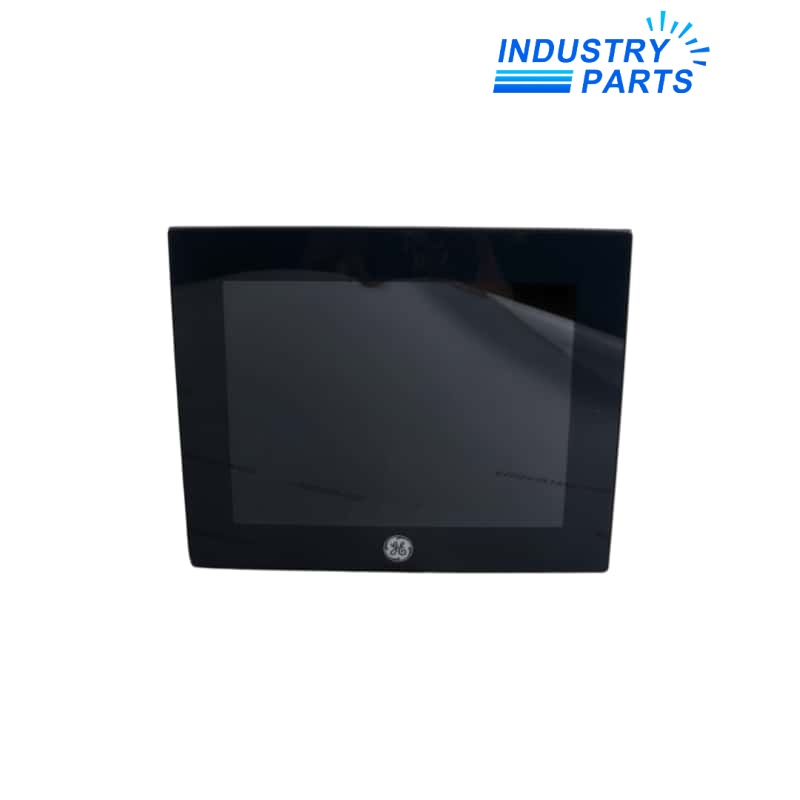
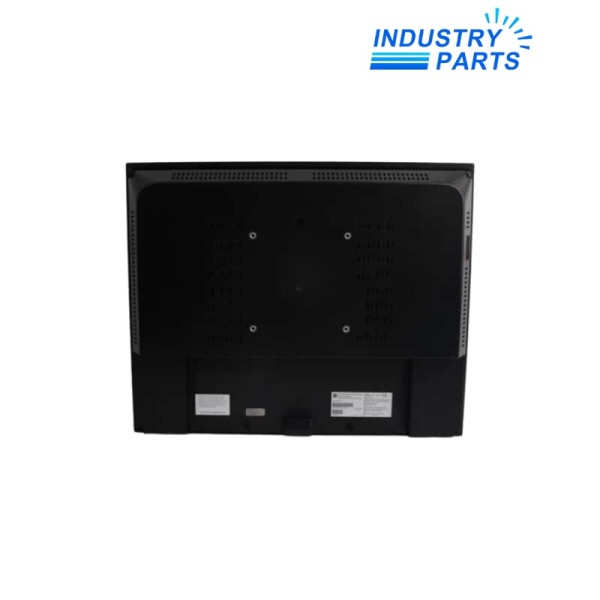
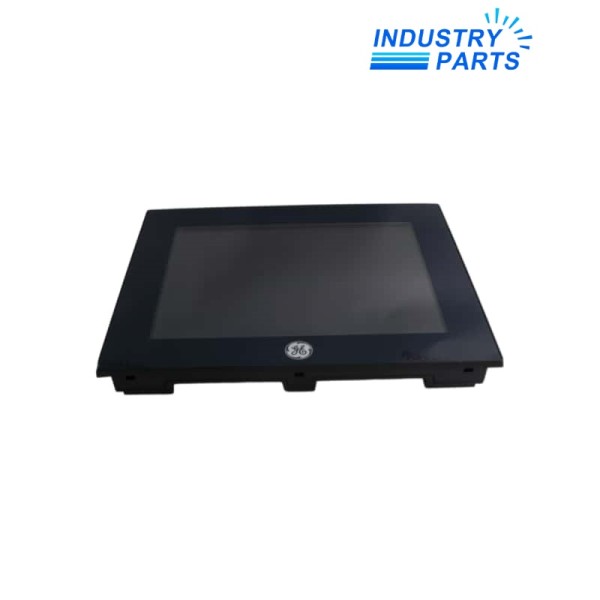
Emerson IC755CSS10CDA-AA QuickPanel+ 10-Inch View and Control HMI
A 10-inch QuickPanel+ operator interface with integrated control capability and an exact AA release identity.
Overview
IC755CSS10CDA-AA is an Emerson QuickPanel+ 10-inch View and Control unit. It combines operator visualization with the control functions supported by the QuickPanel+ platform, allowing the application, communications and local control project to reside in one panel.
The AA suffix identifies the exact release on the installed label. A replacement plan must preserve the Machine Edition application, controller logic where used, network addressing, communication drivers, licenses and external storage rather than treating the panel as display-only hardware.
Specs
| Manufacturer | Emerson PACSystems |
|---|---|
| Exact Model | IC755CSS10CDA-AA |
| Product Family | QuickPanel+ |
| Product Type | 10-inch View and Control operator interface |
| Display Class | 10-inch QuickPanel+ |
| Software Environment | PAC Machine Edition View and Control workflow |
| Operating-System Family | Windows Embedded Compact 7 for the documented 10-inch QuickPanel+ generation |
| Application Roles | HMI visualization and supported local control execution |
| Communications | Ethernet and model-documented serial / USB interfaces |
| Revision Identity | AA release retained from the complete product label |
| Backup Scope | View project, control project, recipes, retained values, communication settings and licenses |
| Selection Boundary | Confirm exact rear label, supply, port use and installed software release before replacement |
Features
Integrated View and Control functions reduce the need for separate panel and controller hardware in suitable applications.
Touchscreen operation supports local process visualization and command entry.
Industrial communications connect the panel to PACSystems and other supported devices.
Exact AA release tracking protects software, firmware and hardware compatibility.
Applications
- Machine and skid operator panels using QuickPanel+ visualization.
- Compact automation cells where supported control logic executes in the panel.
- Revision-controlled replacement of an installed AA unit after complete project backup.
Lifecycle
- Create a validated PAC Machine Edition backup before power is removed.
- Record IP addresses, serial settings, device shortcuts, startup application, retained values and user security.
- Photograph the complete rear label, power terminals, ports and removable media.
- Verify the target firmware and software release can load the saved View and Control projects.
- Commission communications, screen navigation, alarms, recipes, retained data, control execution and safe restart behavior.
FAQ
Why is an application backup essential before replacing IC755CSS10CDA-AA?
The panel may contain both visualization and control content, plus retained values and communication settings that cannot be reconstructed from the front screen alone.
Can a newer QuickPanel+ load the IC755CSS10CDA-AA project unchanged?
That depends on the PAC Machine Edition version, target runtime, drivers and firmware; validate conversion on a copy and keep a rollback image.
What label photographs are useful for a IC755CSS10CDA-AA enquiry?
Capture the complete rear label, AA suffix, supply terminals, all used ports, removable storage and any license or asset markings.
How should touchscreen behavior be accepted on IC755CSS10CDA-AA?
Test calibration, small targets, edge controls, alarm acknowledgement and protected actions while the machine is in a safe commissioning state.
What can make IC755CSS10CDA-AA appear healthy while process data is absent?
An incorrect IP plan, device shortcut, protocol driver, controller path or downloaded project can leave the local interface running without live communications.
Recommended Models
| TM82.1x900 | 7D0135.70 | ISA-LXMX-A-400-20-1200-T2-X10-AQ-B-EU-W-SP |
| Elmo SSA-8/10-6 | Festo VIGCP-03-FB 18229 | HC4380 |
| BRX-8146 90Y4608 | NJ25/40 + U1 + E2-V1 | WL800/8/3M/ICEL |
| MCQUAY 718579 50073932 | Siemens 6SL3710-1GE36-1AA0-Z | 5504RV20P |
| 67DFR / LOC477 / 250PSI / 0-60PSI | TA80DU-63 | USW333 |
| SLT-20-100-P-A | Schmersal AES6112 1112461 | 3RT1044-1BB44-3MA0 |
| 007301012 | FD160 FDH36TD080GD | LRS-D-7-I-MIDI |
| APH 40 BR2 H A50 K00 T12 | B&R 5C2000.02 | MH4885PWHIC |
| Z954 | IBS 24 DI 2784010 | Leuze electronic SLSE 96M/P-1070-T2-41 50025193 |
| ABB M3AA 100 LC 2 IMB34/IM2101 | Vertiv PN275691 | AX2090-MD50-0012 |


