
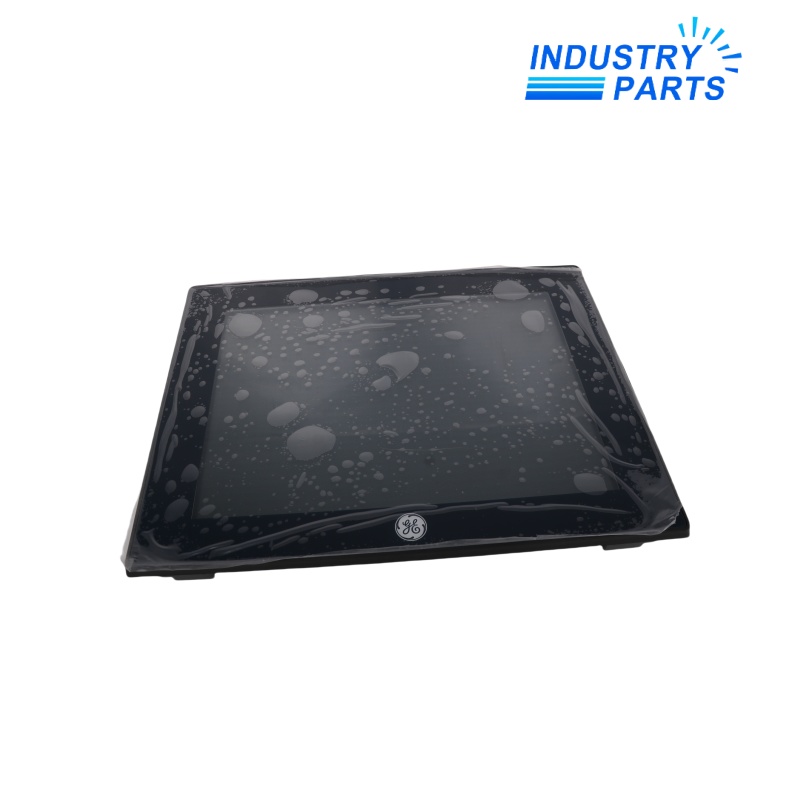
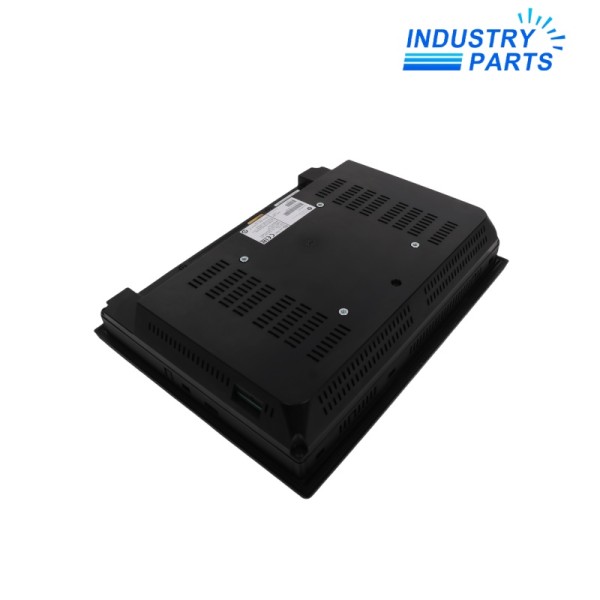
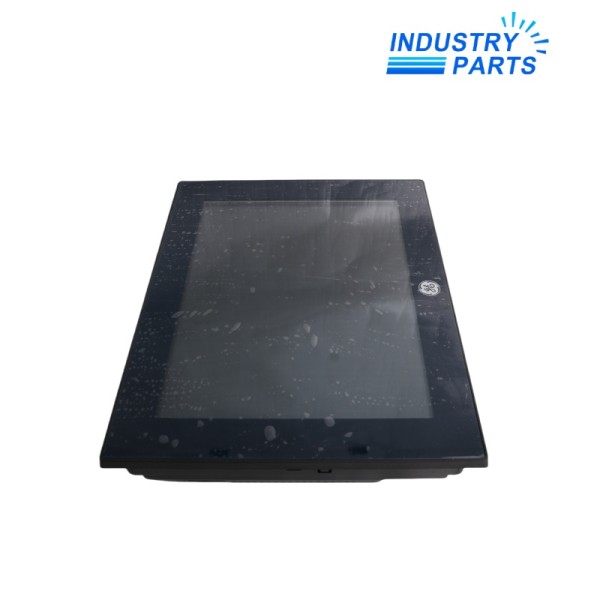
General Electric IC755CSS12CDB Operator Interface
A 12-inch QuickPanel+ operator interface combining visualization, embedded control and a defined CDB communications execution.
Key Information
IC755CSS12CDB is the 12-inch QuickPanel+ View and Control terminal built around a 1 GHz ARM Cortex-A8 platform and Windows Embedded Compact 7.
The CDB execution is identified by two 10/100Base-T Ethernet ports. Project compatibility, panel cutout, serial wiring and the complete suffix must be checked before an installed terminal is exchanged.
Functions
Operator visualization
Presents machine graphics and alarms on a 12-inch SVGA color display with projected-capacitive touch input.
Embedded control
Supports QuickPanel+ View and Control applications within the published hardware and software environment.
Plant connectivity
Provides dual Ethernet plus dedicated RS-232 and RS-485 paths for controller and peripheral integration.
Removable media workflow
Uses SD/SDHC and USB interfaces for approved project transfer, maintenance and peripheral connection.
Specifications
| Manufacturer | General Electric / Emerson | Exact model | IC755CSS12CDB |
|---|---|---|---|
| Display | 12-inch TFT, 800 × 600 SVGA | Touch interface | Two-point projected capacitive |
| Processor | Freescale i.MX535, 1 GHz ARM Cortex-A8 | Memory | 1 GB DDR3 SDRAM |
| Operating system | Windows Embedded Compact 7 | Ethernet | Two 10/100Base-T RJ45 ports |
| Serial | One RS-232 and one RS-485 5-pin port | USB | Two USB 2.0 Type-A; one mini Type-B |
| Storage interface | SD / SDHC card slot | Input power | 12/24 VDC ±20%; 30 W maximum |
|
Operating temperature |
0 to 55 °C | Panel cutout | 302 × 228 mm |
Installation
Back up
Export the Machine Edition project and document firmware, IP addresses, serial settings, recipes and retained values.
Fit
Confirm the 302 × 228 mm cutout, gasket, mounting brackets, ventilation space, DC supply and grounding before installation.
Commission
Restore the approved application, calibrate touch response and prove every display, alarm, control and communications path.
Lifecycle
Preserve
Keep the IC755CSS12CDB CDB suffix, project archive and software-version record linked to the machine documentation.
Maintain
Protect the display surface, inspect the sealing gasket and verify that natural-convection paths remain unobstructed.
Accept
Record screen checks, touch accuracy, communications status, control permissions and alarm acknowledgement after service.
About IndustryParts
https://www.industryparts.com/Traceable handling for IC755CSS12CDB
IndustryParts keeps the complete product identity, requested quantity, application record and delivery requirements together for a controlled supply review.

FAQ
What project files should accompany an IC755CSS12CDB enquiry?
Provide the Machine Edition project, target firmware, retained-data requirements, device addresses, serial configuration and clear photographs of the complete label.
Is IC755CSS12CDB the same as a CDBCA execution?
No. The CA suffix identifies a conformal-coated execution, so environmental requirements and the complete catalog number must be reviewed before substitution.
What panel information prevents an IC755CSS12CDB fit problem?
Record the cutout, enclosure thickness, mounting hardware, gasket condition, cable clearance and VESA requirements where applicable.
Which communications details matter when replacing IC755CSS12CDB?
Capture both Ethernet configurations, every RS-232 and RS-485 parameter, connected node identities and any USB or SD deployment workflow.
What should an IC755CSS12CDB acceptance test include?
Prove project startup, touch accuracy, screen rendering, alarm behavior, data retention, communications and every control action permitted by the application.