


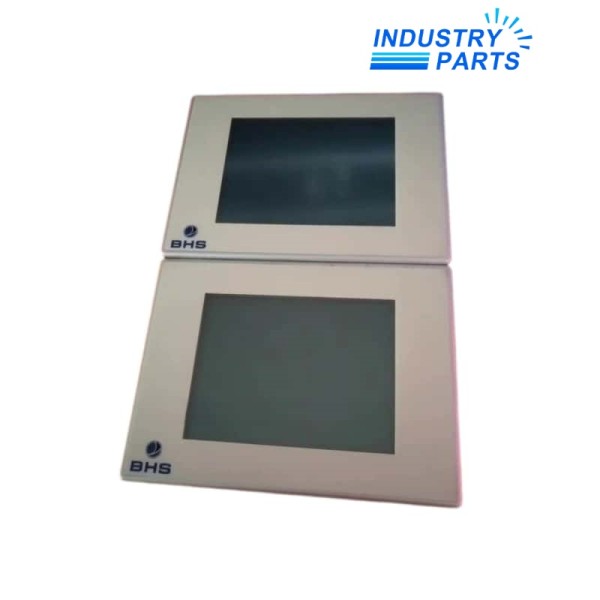

Lenze EL106 6.4-inch HMI Operator Panel
A legacy color operator panel whose CAN, PLC or MPI execution must be confirmed from the rear nameplate.
Product Profile
EL106 identifies a Lenze EL 1xx human-machine interface with a 6.4-inch color TFT display and 640 × 480 resolution. The family was offered for visualization and, depending on execution, communication or integrated control duties.
The short front-panel designation is not a complete ordering code. Rear-label details are essential because EL106 CAN, EL106 PLC and EL106 MPI variants are not interchangeable by appearance alone.
Technical Data
| Manufacturer | Lenze |
|---|---|
| Family Model | EL106 |
| Product Family | EL 1xx HMI |
| Display | 6.4-inch color TFT |
| Resolution | 640 × 480 pixels |
| User Input | Touchscreen |
| Nominal Supply | 24 V DC class |
| Mounting | Control-panel cutout |
| Variant Families | CAN, PLC or MPI execution |
| Operating Platform | Windows CE generation |
System Role
- Presents machine status, alarms, recipes and operator controls at the equipment panel.
- Exchanges data through the interface supplied on the exact hardware execution.
- PLC variants combine visualization with IEC 61131-3 control and retained-data support.
Compatibility
- Match the rear order code and interface ports before comparing any replacement.
- Preserve the visualization project, PLC application where fitted, recipes and communication settings.
- Confirm the cabinet cutout, connector pinout, 24 V supply and grounding arrangement.
- Check engineering-software and runtime-version support for the archived project.
Applications
- Legacy machine operation and visualization panels.
- CAN-connected Lenze automation systems or MPI links to Siemens S7, when fitted accordingly.
- Integrated visualization-and-control duties on the EL106 PLC execution.
FAQ
Why is the rear label required when ordering EL106?
The front designation covers CAN, PLC and MPI executions; the full order code identifies the actual communication and control hardware.
Can an MPI EL106 replace a CAN version?
No direct swap should be assumed because port hardware, drivers, project configuration and connected controller differ.
Which files should be recovered before replacing EL106?
Save the HMI project, recipes, runtime version, communication settings and the PLC application if the installed unit includes control technology.
What physical details should be checked for EL106?
Confirm panel cutout, mounting clips, connector access, supply wiring, earth connection and available rear clearance.
Can a modern panel be installed in place of EL106 without engineering?
Usually not. Screen objects, drivers, tags, recipes, alarms and any PLC logic require migration and machine validation.
What should accompany a quotation request for EL106?
Send clear front and rear photographs, the entire label, port views, project files and the connected controller model.
Recommended Models
| 4WRTE 32V600L-42/6EG2424K31/A1M | ADVU-63-3-P-A | Siemens 6EP1437-2BA00 |
| M1000/3.0 | F2108 | WA 98087 |
| BWU2546 | MLB.802.11 | LSP-FPO75-PCB-08C |
| CK140 0220401 | 37104491000 | 7TB718.9 |
| AT-PA100-G2 | MGH8120 | 400-NCMP2B.88 |
| 62A04-1 | Siemens 3RA1120-4BA26-0BB4 | SR2CBL01 ZELIO-055024 |
| 6AG4140-6DC00-0KA0 | DSBC-50-200-PPVA-N3 | RS-481 |
| Beckhoff EL3202-0010 | MPRF 01 | Accumet AB15 |
| DIN-PWS50 6501747 | KAF47 CM71S/BR/TF/RH1L/SB54 | VLM-000-SIE |
| 0820018125 | LK 600CR 120B1247 | MPS 5.7 225-600-00 |


