

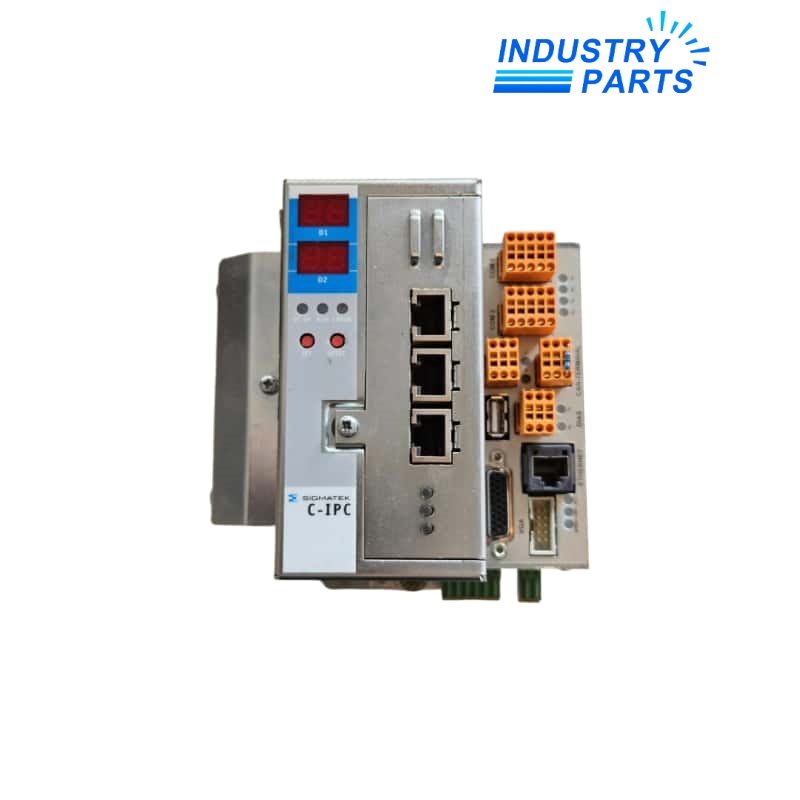
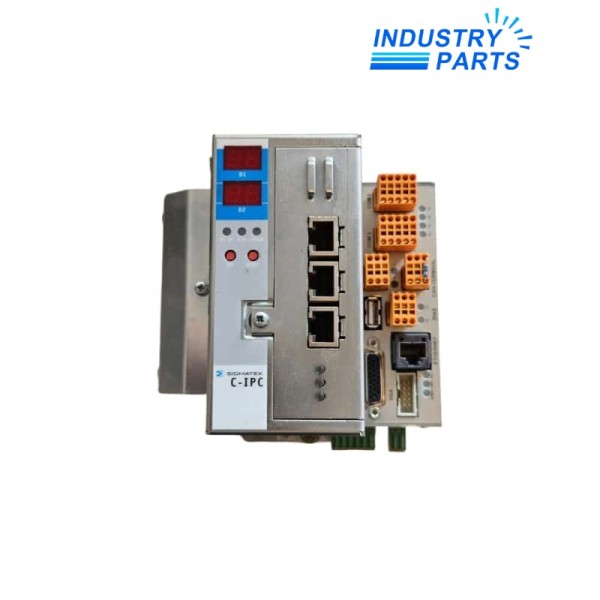

SIGMATEK C-IPC Compact Industrial PC
A compact C-DIAS control computer built around an AMD Geode LX800 platform for machine automation and legacy system support.
Key Information
C-IPC is a SIGMATEK C-DIAS industrial PC that combines controller processing, status indication and direct automation-system connectivity in a compact cabinet device. The documented LX800 generation uses an AMD Geode processor and supports CompactFlash-based program storage.
The model family includes a 7-segment status display, three status LEDs, S-DVI for a compatible terminal and a USB 1.1 interface. An installed expansion-card variant and the hardware label must be checked before replacing a field unit.
Functions
- Executes machine-control and visualization tasks within a SIGMATEK automation architecture.
- Connects directly to C-DIAS and DIAS components through the documented system interfaces.
- Stores application data on CompactFlash media while a battery maintains buffered data and the real-time clock.
- Reports controller condition through its front status display and LEDs.
Specifications
| Manufacturer | SIGMATEK |
|---|---|
| Model | C-IPC |
| Product Family | C-DIAS |
| Processor Platform | AMD Geode LX800 generation |
| Supply Voltage | 24 to 30 V DC |
| Maximum Supply Current | Up to 4 A, dependent on CPU and external devices |
| Program Storage | Two CompactFlash card locations |
| Terminal Interface | S-DVI |
| Local Interface | USB 1.1 |
| Status Indication | 7-segment display and three status LEDs |
| Data Buffer | Lithium battery |
| Real-Time Clock | Integrated |
Installation
- Record the complete article number, hardware revision, expansion card and CompactFlash contents before removing C-IPC.
- Provide a regulated 24 V DC supply with the inrush and connected-device load included in the cabinet calculation.
- Back up the LASAL project, retained data and storage media before exchanging the controller.
- Verify DIAS, C-DIAS, terminal and communication interfaces individually before releasing the machine.
Lifecycle
- Treat C-IPC as a legacy-family identifier and match the complete device label rather than the front name alone.
- Keep a verified CompactFlash image, project archive and hardware-revision record with the spare.
- For migration, review field I/O, terminal signaling, real-time tasks and expansion-card interfaces as one system.
FAQ
What must match before ordering C-IPC?
Provide the complete article number, hardware revision, processor label, installed expansion card and CompactFlash configuration.
Can C-IPC be replaced from the front model name alone?
No. C-IPC covers hardware generations and options, so the full device label and interface inventory are required.
Should the C-IPC CompactFlash be moved directly to another unit?
Create and verify a backup first, then confirm hardware and software compatibility before restoring or transferring the application.
What power checks matter for C-IPC?
Confirm a regulated 24–30 V DC source, cabinet grounding, inrush capacity and the load of connected devices.
What should be tested after C-IPC replacement?
Test boot status, retained data, DIAS/C-DIAS I/O, terminal display, communications, real-time clock and machine safety interlocks.


