


Siemens 6AV2123-2GB03-0AX0 SIMATIC HMI KTP700 Basic Panel
01Technical Summary
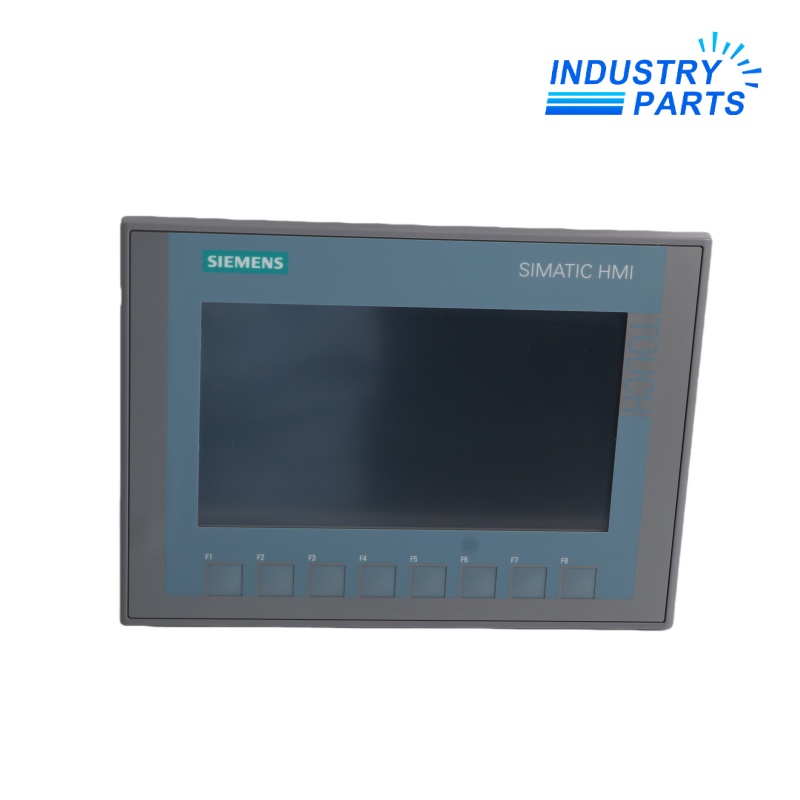
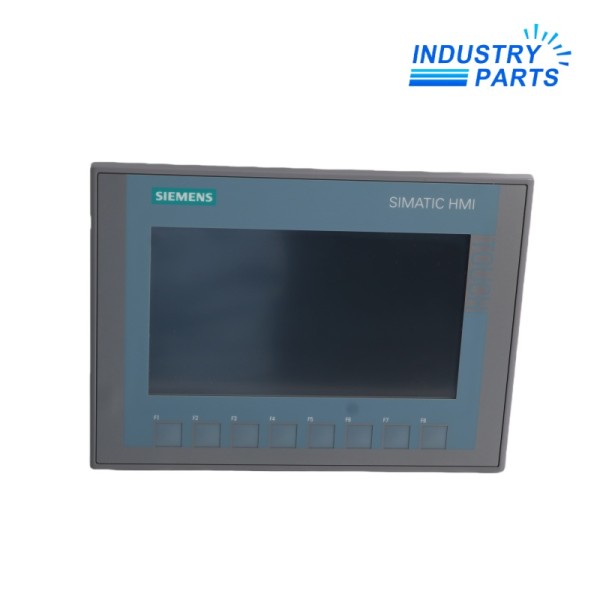
Siemens 6AV2123-2GB03-0AX0 is the SIMATIC HMI KTP700 Basic, a second-generation Basic Panel with combined key and touch operation. Its 7-inch widescreen TFT, 65,536 colors, PROFINET interface, configurable function keys, and compact project memory support entry-level machine visualization and operator control.
02Applications
Typical Uses
- Compact machine operator stations for status display, setpoint entry, manual operation, alarms, and diagnostics.
- SIMATIC S7-1200 and S7-1500 applications connected over PROFINET.
- Small process skids, packaging machines, material handling, pumps, and utility systems.
- Applications requiring both touchscreen interaction and dedicated configurable function keys.
- Replacement or expansion of an engineered second-generation Basic Panel installation.
Selection Boundary
- Use application examples only as engineering context; they do not prove compatibility with an installed machine.
- Confirm electrical, mechanical, network, software, safety, environmental, and lifecycle requirements against the complete project.
- Preserve configuration records and perform controlled commissioning whenever hardware is exchanged.
03Specifications
| Manufacturer | Siemens |
|---|---|
| Article Number | 6AV2123-2GB03-0AX0 |
| Product Name | SIMATIC HMI KTP700 Basic |
| Panel Family | Basic Panels, 2nd Generation |
| Operation | Key and touch |
| Display | 7-inch TFT widescreen with LED backlight |
| Display Area | 154.1 x 85.9 mm |
| Resolution | 800 x 480 pixels |
| Colors | 65,536 |
| Function Keys | 8 configurable keys |
| Touch Technology | Analog resistive |
| Orientation | Portrait or landscape |
| Communication | PROFINET / Industrial Ethernet |
| Rated Supply | 24 V DC |
| Permitted Supply Range | 19.2 to 28.8 V DC |
| Rated Current | 230 mA |
| Typical Power Consumption | 5.5 W |
| User Data Memory | 10 MB |
| Backlight MTBF | 20,000 h at 25 C; dimmable |
| Configuration Software | WinCC Basic V13 / STEP 7 Basic V13 or later |
| Lifecycle Status | Active Product |
04Features
Design and Functions
- Seven-inch widescreen visualization with 800 x 480 resolution and 65,536 colors.
- Analog resistive touchscreen plus eight configurable keys supports gloved or task-oriented operation.
- Portrait and landscape project orientation provide flexibility for machine-panel layout.
- A 10 MB user-data memory supports the configured HMI project within Basic Panel limits.
- The dimmable LED backlight has a documented mean time between failures of 20,000 hours at 25 C.
- PROFINET communication supports approved controllers and protocols defined by the configured WinCC Basic project.
Product Identity
- Manufacturer: Siemens
- Model: 6AV2123-2GB03-0AX0
- Product Type: SIMATIC HMI KTP700 Basic Panel
- Lifecycle: Active Product
05Compatibility
- Configure with WinCC Basic V13, STEP 7 Basic V13, or a later release that explicitly supports this device.
- Match the exact KTP700 Basic PN article; the DP version and Unified Basic Panel family use different interfaces and engineering requirements.
- Preserve HMI project, passwords, recipes, alarm configuration, language resources, communication partners, tags, scripts, and user administration.
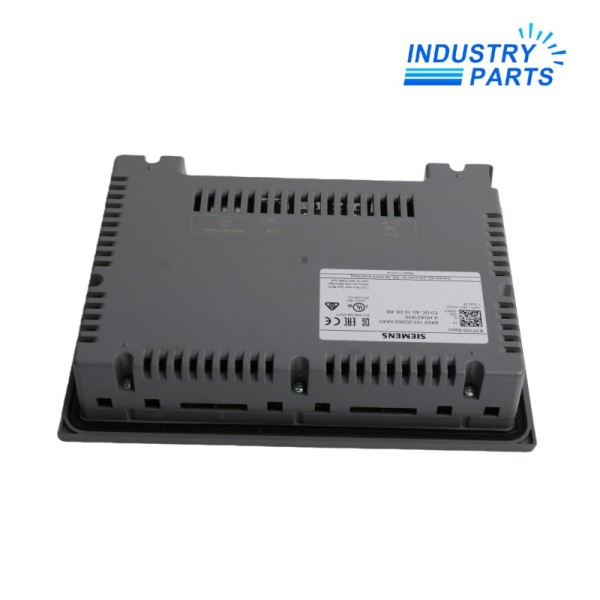
- Confirm 24 V DC supply quality, PROFINET address and device name, connector, USB peripherals, mounting cutout, enclosure seal, and grounding.
- Validate controller type, firmware, network security, protocol, tag count, archive use, and supported HMI functions.
- A different screen size or product generation normally requires project conversion and mechanical review.
06Maintenance & Replacement
- Back up the HMI project, recipes, user data, alarm records, and network settings using the supported engineering or service procedure.
- Record firmware, device name, IP address, controller connections, project transfer method, passwords, languages, and USB usage.
- Inspect the touchscreen, keys, front seal, mounting clips, 24 V terminals, PROFINET connector, and cabinet condition.
- After replacement, download the approved project and verify screen navigation, touch calibration, keys, tags, alarms, recipes, users, languages, and communication.
- Test all operator commands and machine interlocks under controlled conditions.
- Maintain project and password recovery records so the active product can be serviced without losing plant-specific configuration.
FAQFrequently Asked Questions
What is 6AV2123-2GB03-0AX0?
6AV2123-2GB03-0AX0 is an active seven-inch SIMATIC HMI KTP700 Basic panel with key/touch operation and PROFINET.
Where is this product normally used?
It is used for entry-level machine visualization, operator commands, alarms, recipes, and diagnostics.
What must be checked before ordering?
Confirm the complete article number, installed hardware revision, lifecycle state, supply and I/O design, communication interfaces, connector assignment, software release, approvals, and project configuration.
What information should be saved before replacement?
Save the HMI project, firmware, passwords, recipes, users, alarm data, languages, IP and device name, controller connections, transfer method, and mounting information.
Can a similar Siemens article be used as a direct replacement?
No. A DP, Unified, Comfort, or different-size panel can require another interface, cutout, project conversion, and software release.
What should be verified after installation?
Verify project download, touch and keys, all screens, tags, commands, alarms, recipes, users, languages, PROFINET communication, and machine interlocks.
+Recommended Models
| 51304540-200 LCNE2 | T0-3-8007/E | EIR505 |
| CR2600,CR2611-02 CRA-A111-01 | GCF-S7 | REG-K 12X230/16 |
| HDP5000 | Z960 71858 | SMC-50-LCLC |
| MPC-302-W 6508573 | K591N SFP-H10GB-CU3M 37-0961-03 | E244-16C-G-LS-RL-CR-SQ-BR |
| 90007627004 | IZM-SEC-TB15 | 03671 |
| BZMB1-A100 | WRMBL1 | 7000-5235-1,4000-4174-3 |
| MCW-211-SM-LC15 | TCIDL1 | 038 95 |
| C1127-8PLTEP | SPD910-1000PA | TETRA 4010 |
| LT7 | SG-TL70-G | ODC15-IDW |
| 4DP7APXID211 | BMXNOM0200 | JL325-61001 |


