
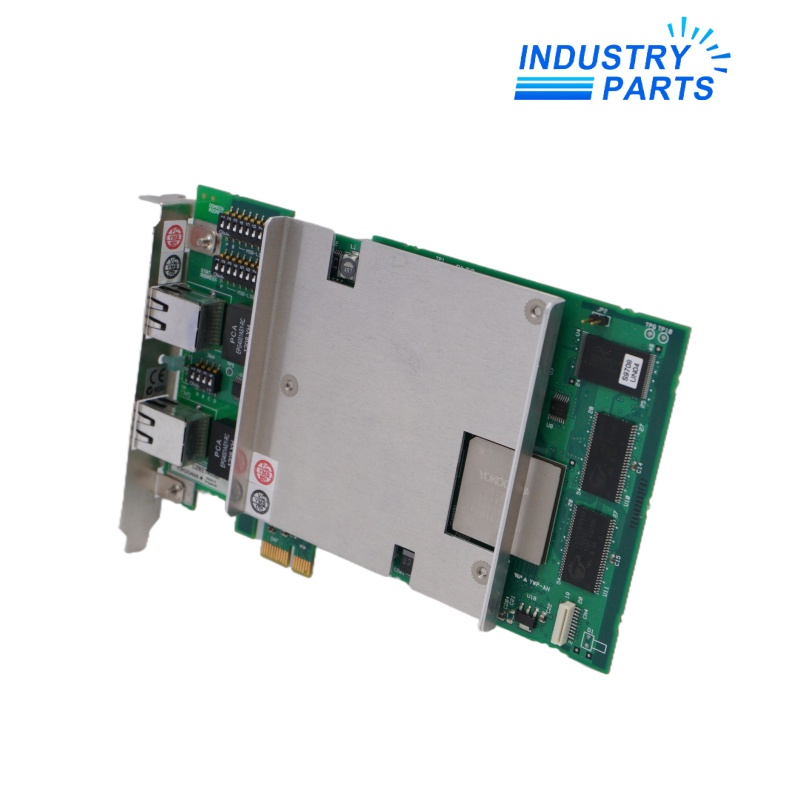
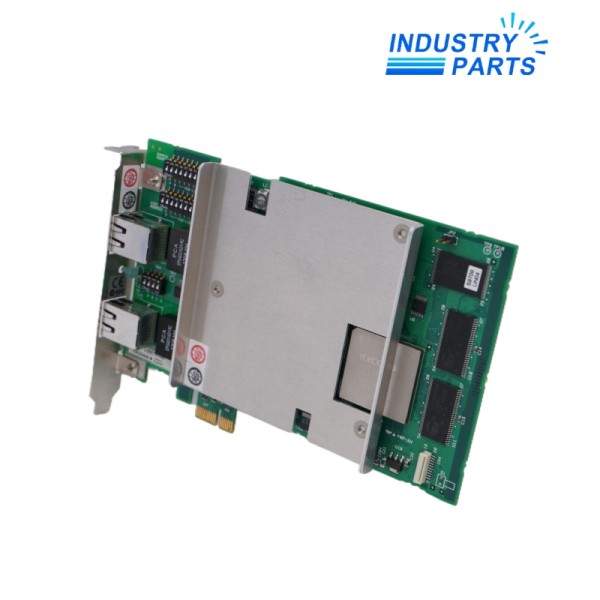
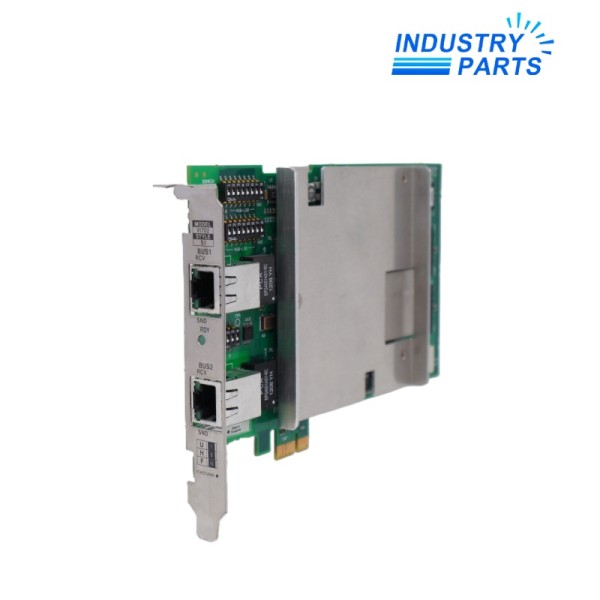
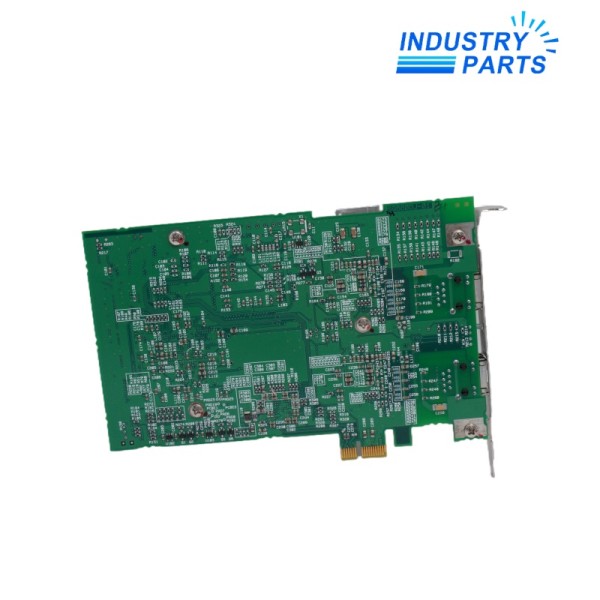
Yokogawa VI702 Vnet/IP PCI Express Interface Card
A PCI Express interface card that connects a supported computer to Yokogawa Vnet/IP control and open communication networks.
Technical Summary
PRODUCT CONTEXTVI702 is the Yokogawa Vnet/IP interface card used in supported computers for control communication and open communication on a Vnet/IP network. It installs in a PCI Express slot and must not be fitted to a conventional PCI slot.
The card provides RDY, RCV and SND indicators, a 1 Gbps full-duplex Ethernet link and an RJ45 connection for Category 5e UTP cable. Yokogawa specifies a maximum 100 m cable length from the card to the Layer 2 switch.
Specifications
CONTROLLED DATAVI702
S1
1000BASE-T
1 Gbps, full duplex
RJ45
Category 5e UTP
100 m to Layer 2 switch
PCI Express CEM 1.0a, x1
2.5 GT/s
PCI Express x1, x4, x8 or x16
3.3 V ±9%
2.5 A
RDY, RCV and SND lamps
Features
FUNCTIONAL DISTINCTIONSDedicated Vnet/IP path
Provides the host-side hardware interface for Yokogawa control and open communications.
Gigabit copper connection
Uses a standard 1000BASE-T full-duplex link with an RJ45 connector.
Flexible PCI Express fit
The x1 card may be installed in supported x1 through x16 PCI Express slots.
Visible traffic status
RDY, receive and send lamps support installation and communication checks.
Compatibility
SELECTION BOUNDARIESComputer slot
Verify a supported PCI Express slot is available; do not install VI702 in a PCI slot.
Network segment
Match the approved Vnet/IP Layer 2 switch, port, cable route and network design.
Driver sequence
Install the card before the control-bus and Vnet/IP software drivers as directed by Yokogawa.
Replacement
SERVICE WORKFLOWRecord
Capture VI702, style, host computer, PCIe slot, switch port, cable identity and driver version.
Fit
Power down the host under the approved procedure, seat the card in the documented PCIe slot and reconnect the network cable.
Verify
Confirm RDY/RCV/SND indications, driver recognition and communication on each configured Vnet/IP path.
FAQ
CUSTOMER DECISION SUPPORTCan VI702 be installed in a standard PCI slot?
No. Yokogawa specifies PCI Express; the card is not for a conventional PCI slot.
What cable information should accompany a VI702 request?
Provide Category 5e cable length, switch identity, switch port and the host computer slot record.
What is the published link speed for VI702?
The Vnet/IP connection is 1 Gbps full duplex over 1000BASE-T.
Why does driver order matter for VI702?
Yokogawa directs users to install the card before installing the control-bus and Vnet/IP drivers.
How is VI702 accepted after installation?
Confirm host recognition, RDY/RCV/SND indications and stable communication with the configured Vnet/IP nodes.

About IndustryParts
https://www.industryparts.com/Controlled handling for VI702
IndustryParts keeps the submitted VI702 identity, requested quantity and installed-system evidence together so a proposed supply can be checked before dispatch.
- Complete submitted model retained
- Installed-system evidence reviewed
- Quotation record kept with the enquiry