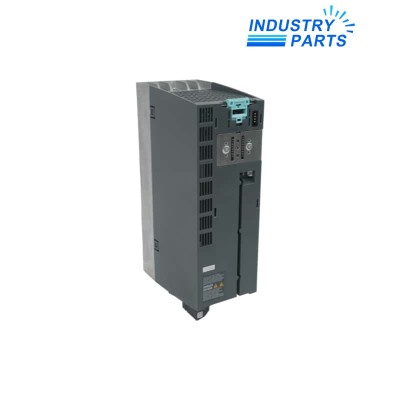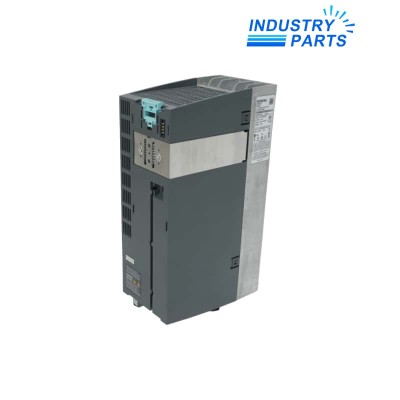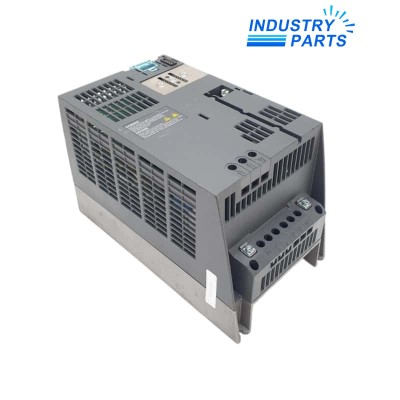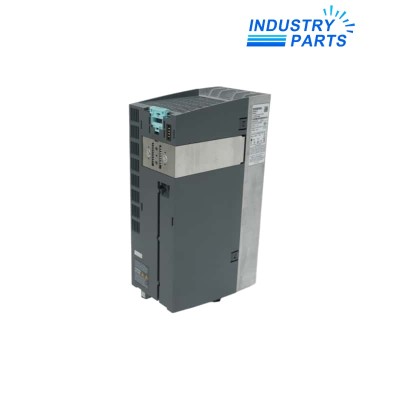

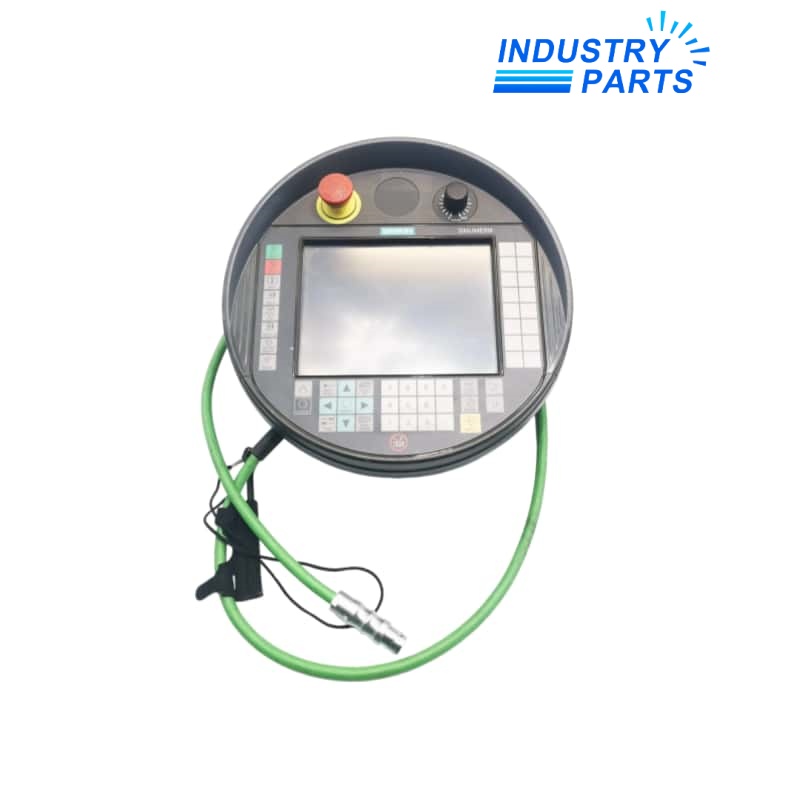
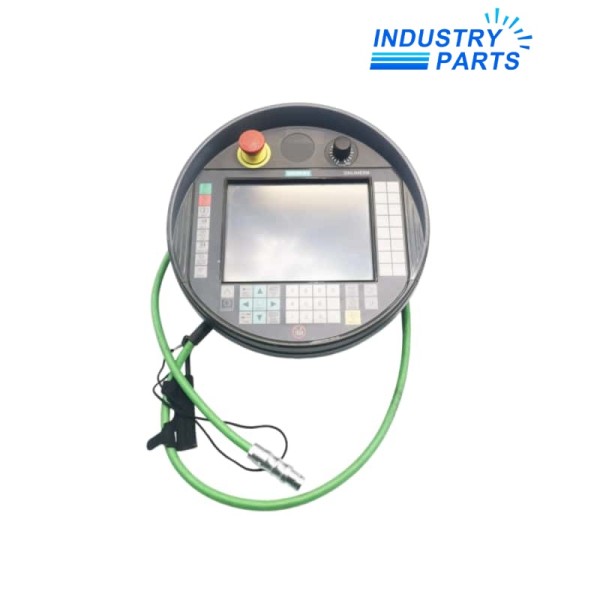
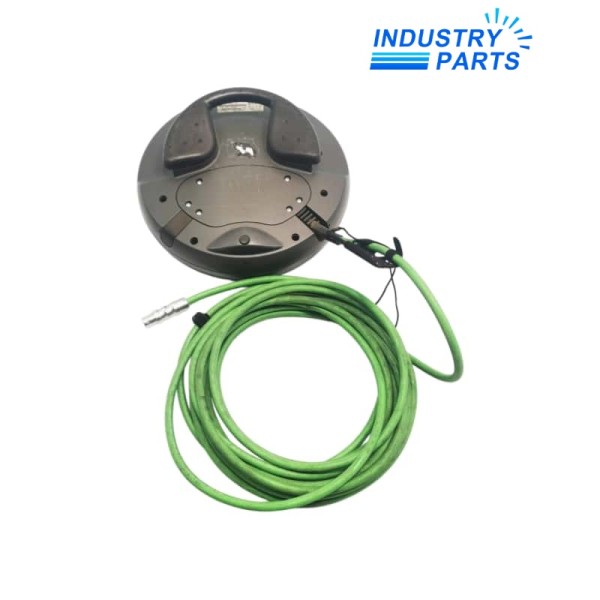
Siemens 6FC5403-0AA20-0AA1 SINUMERIK HT 8 Handheld Terminal
Provides mobile SINUMERIK operator access through a full-graphic 7.5-inch TFT color touch display.
ManufacturerSiemensModel6FC5403-0AA20-0AA1Product TypeSINUMERIK HT 8 handheld operator terminal
01Key Information
Siemens 6FC5403-0AA20-0AA1 is a SINUMERIK HT 8 handheld terminal that combines operator-panel and machine-control-panel functions in a mobile device. This exact variant has a 7.5-inch TFT color touch display, membrane keys, an emergency-stop button, left- and right-hand enabling buttons and an override rotary switch. It does not include the handwheel fitted to the separate 1AA1 variant.
Selection ControlVerify the complete article number, hardware revision, software, interfaces, installed options and system architecture before ordering.
02Functions
Core Functions
- Provides mobile SINUMERIK operator access through a full-graphic 7.5-inch TFT color touch display.
- Combines screen operation with membrane keys for machine-oriented control tasks.
- Provides an emergency-stop button as part of the documented terminal configuration.
- Provides two enabling buttons positioned for left- or right-handed operation.
- Includes an override rotary switch for the exact 0AA1 variant.
- Supports hot-plug operation only with the documented PN Plus connection-box architecture and prescribed conditions.
Product Identity
- Manufacturer: Siemens
- Model: 6FC5403-0AA20-0AA1
- Product Type: SINUMERIK HT 8 handheld operator terminal
- Status: Cancelled since October 1, 2025; spare part
03Specifications
| Manufacturer | Siemens |
|---|---|
| Article Number | 6FC5403-0AA20-0AA1 |
| Product Designation | SINUMERIK HT 8 |
| Device Type | Handheld operator terminal |
| Display | 7.5-inch TFT color display |
| Input | Touch screen and membrane keys |
| Emergency Stop | Integrated |
| Enabling Controls | Two buttons for left- or right-handed use |
| Override Control | Rotary switch included |
| Handwheel | Not included on this exact 0AA1 variant |
| Connection Concept | Thin-client supplemental main or secondary panel |
| Hot Plug | Supported only with PN Plus connection box and documented conditions |
04Installation
- Verify the complete 0AA1 suffix because the 1AA1 variant has a different control configuration.
- Inspect the terminal cable, connector, emergency-stop circuit and both enabling channels before connection.
- Use the correct PN Plus connection box when hot-plug operation without an emergency-stop trip is required.
- Configure the terminal as the documented supplemental main or secondary panel in the SINUMERIK system.
- Mount the wall holder where the cable is protected and the operator can place the terminal securely.
- Test touch operation, membrane keys, override control, enabling buttons and emergency-stop behavior before production release.
05Lifecycle
- The exact article was cancelled on October 1, 2025 and is identified as a spare part.
- Do not substitute the 1AA1 variant without checking the added handwheel and the machine-control design.
- Connection-box type, cable, safety circuit and SINUMERIK software compatibility must be reviewed together.
- Keep the original terminal configuration and safety-test records for service work.
- A replacement terminal requires complete operator-control and emergency-stop validation.